Introduction
Wirebench is a desktop client for testing and exploring APIs. It sends SOAP, REST and gRPC requests from one window, keeps your work as plain files you can review in git, and runs entirely on your machine: no account, no cloud sync you did not set up, no telemetry.
What it speaks
Section titled “What it speaks”| Protocol | Start from | Guide |
|---|---|---|
| SOAP 1.1 and 1.2 | A WSDL (URL, file or pasted), with its imports and includes | SOAP and WSDL |
| REST | An OpenAPI or Postman collection, a cURL command, or nothing at all | REST |
| gRPC | A .proto file, or server reflection |
gRPC |
| WebSocket | A URL, or an AsyncAPI document | WebSocket, AsyncAPI contracts |
A REST response can also be a stream of server-sent events, read in the same response pane. See Event streams.
What it does beyond a single request
Section titled “What it does beyond a single request”- Scripts. A request can run a typed TypeScript script before it is sent and after its response arrives. See Scripts.
- Sequences. Saved requests run one after another, passing values from step to step. See Sequences.
- Snapshot regression. A request keeps a known-good response and lists what changed on each send. See Snapshot regression.
- Webhooks. Catch incoming webhooks, send your own, sign and verify them, and assert on the webhook a request causes. See Webhook inbox and Sending webhooks.
- CI and agents. The
wirebenchcommand runs a project in a pipeline, andwirebench mcpserves it to a coding agent. See Run in CI and Agents (MCP).
How your work is organised
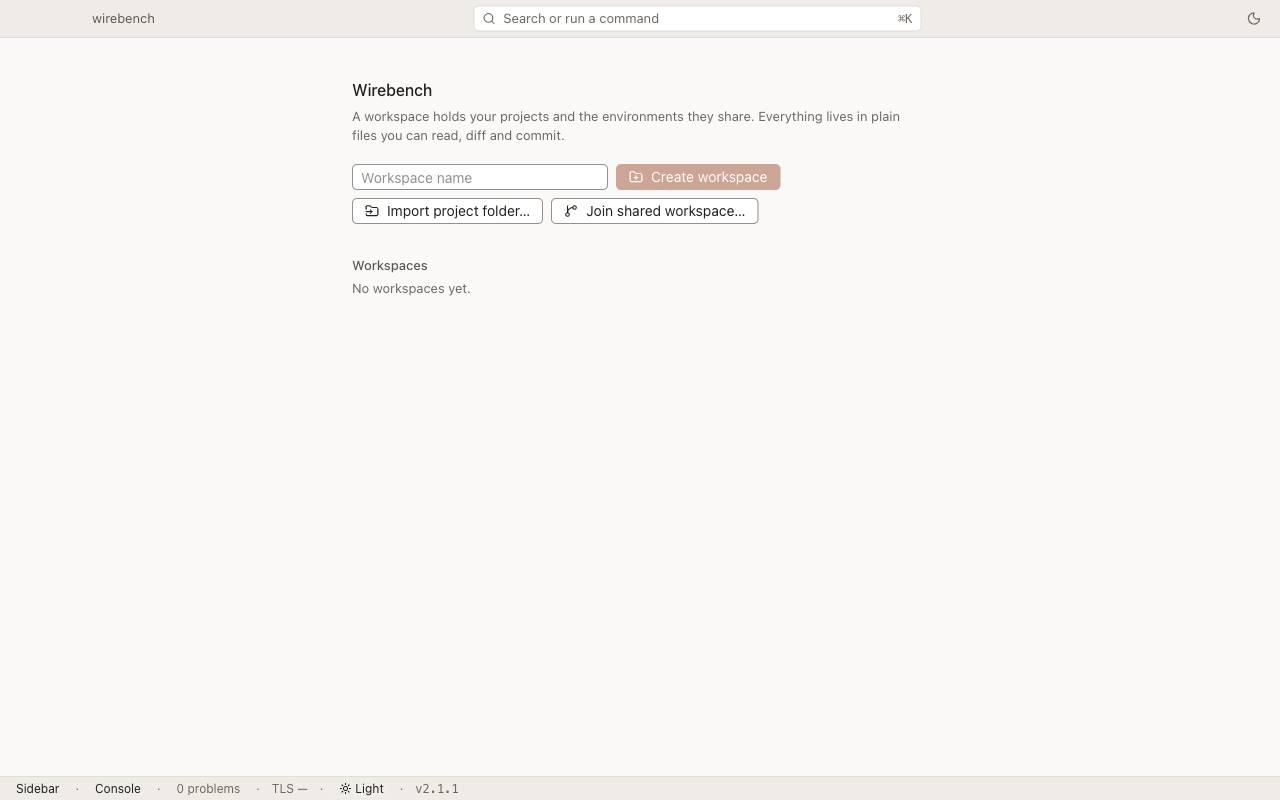
Section titled “How your work is organised”- A workspace is the top level. It holds any number of projects, one set of environments shared by all of them, and your open tabs. Wirebench keeps it in its own data folder, so there is no folder for you to pick or manage.
- A project holds what you import or create: interfaces, APIs, requests and their properties. On disk it is a folder of small YAML and XML files, so it can be exported, reviewed and kept in git.
- A workspace can be shared with a team over git or a synced folder. See Shared workspaces.
Where to start
Section titled “Where to start”- Install Wirebench on macOS, Windows or Linux.
- Follow the ten-minute walkthrough: a SOAP request, then a REST request.
- Keep the command reference handy. Everything in Wirebench is a command in the palette (⌘K on macOS, Ctrl+K on Windows and Linux).