 WirebenchDownload
Features
SOAP and WSDL
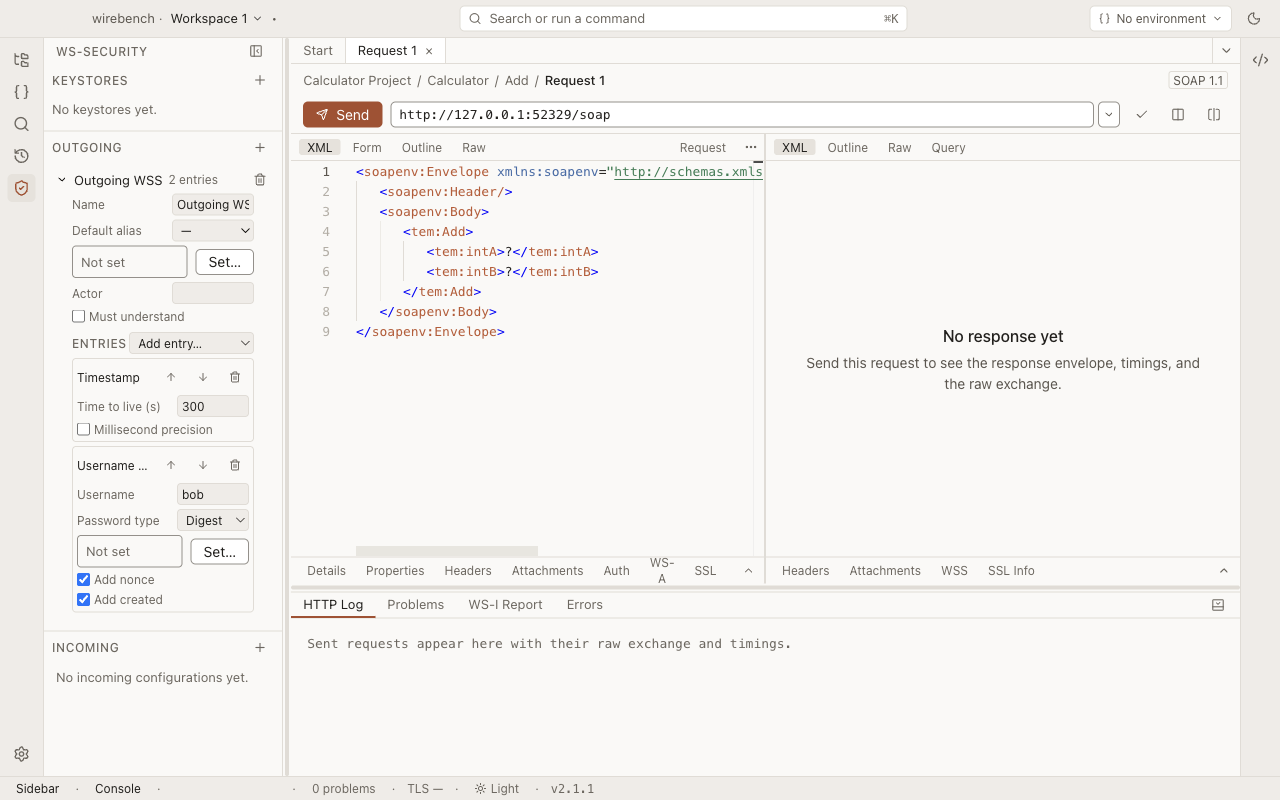
Import a WSDL into an operations tree, get a sample envelope for every operation, and send it over HTTP or HTTPS. WS-Security, MTOM attachments and WS-I Basic Profile checks build on the same request.
REST
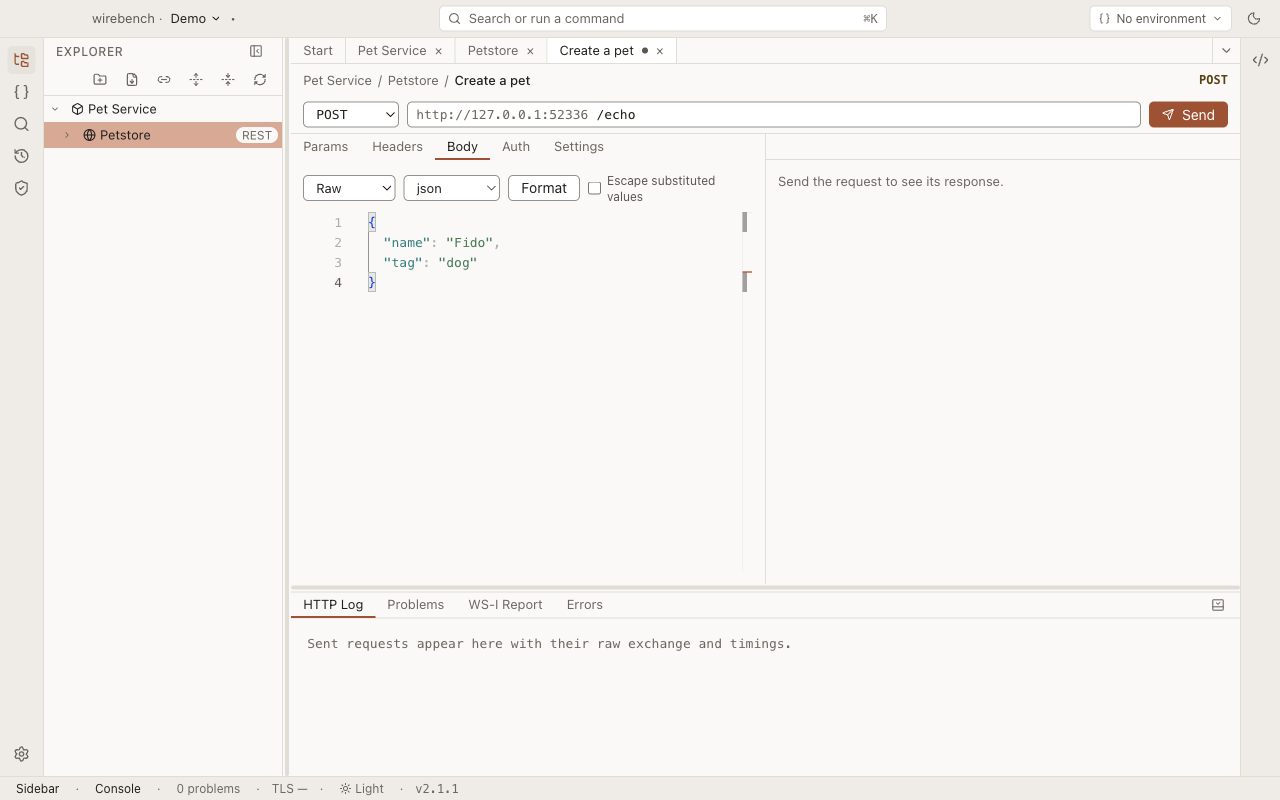
Group requests under an API that holds a base URL and, optionally, authentication every request under it inherits. The Query tab runs JSONPath or XPath over a JSON response without leaving it.
gRPC
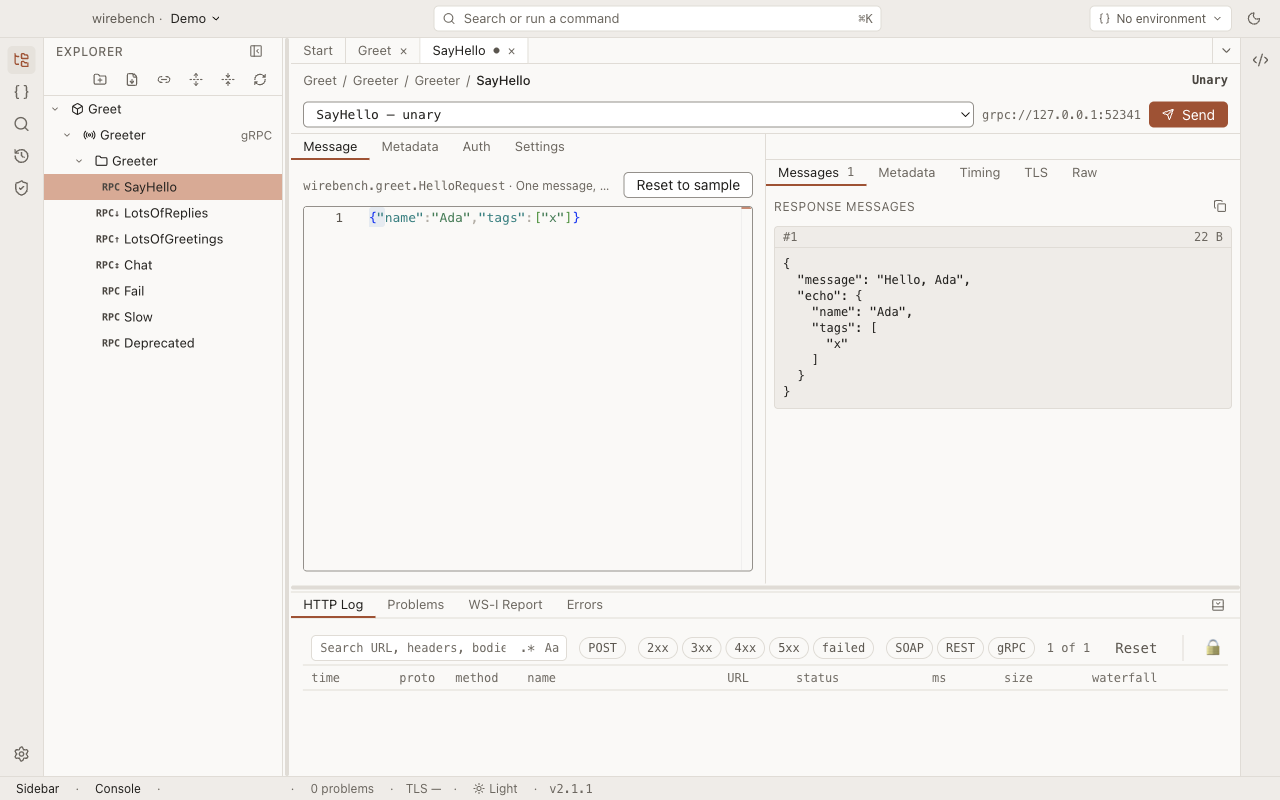
Call gRPC services from imported .proto files or by asking a running server to describe itself over reflection. Unary and streaming calls both work.
WebSocket and server-sent events
A WebSocket API sits beside SOAP, REST and gRPC in the same project, workspace, environments, history and search. Requests under it connect, show every frame on a live timeline, and send messages while the connection is open. An API imported from an AsyncAPI document also checks every frame against its contract.
Importers and switching
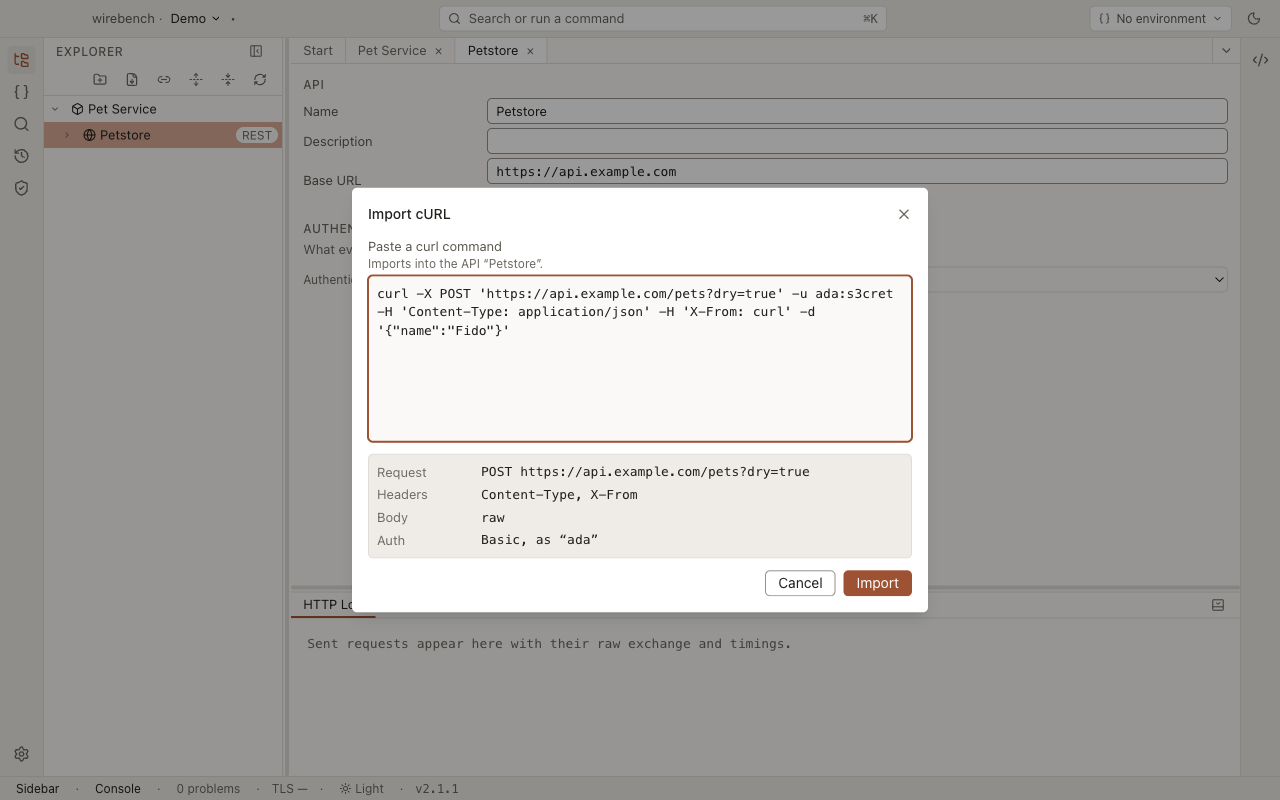
Turn a WSDL, an OpenAPI document, a Postman collection, a curl command, a .proto file, a running gRPC server or a legacy SOAP project into requests you can run and edit. An OpenAPI or AsyncAPI document behind authentication is fetched with Basic, a bearer token or an API key. When an OpenAPI document changes, Update Definition re-reads it into the REST API you already have. And nothing is locked in: export a project or an API as a Postman Collection or an OpenCollection, with a report of anything that did not fit.
Read the guideExporting collectionsSwitching from PostmanAsyncAPI contracts
Environments and properties
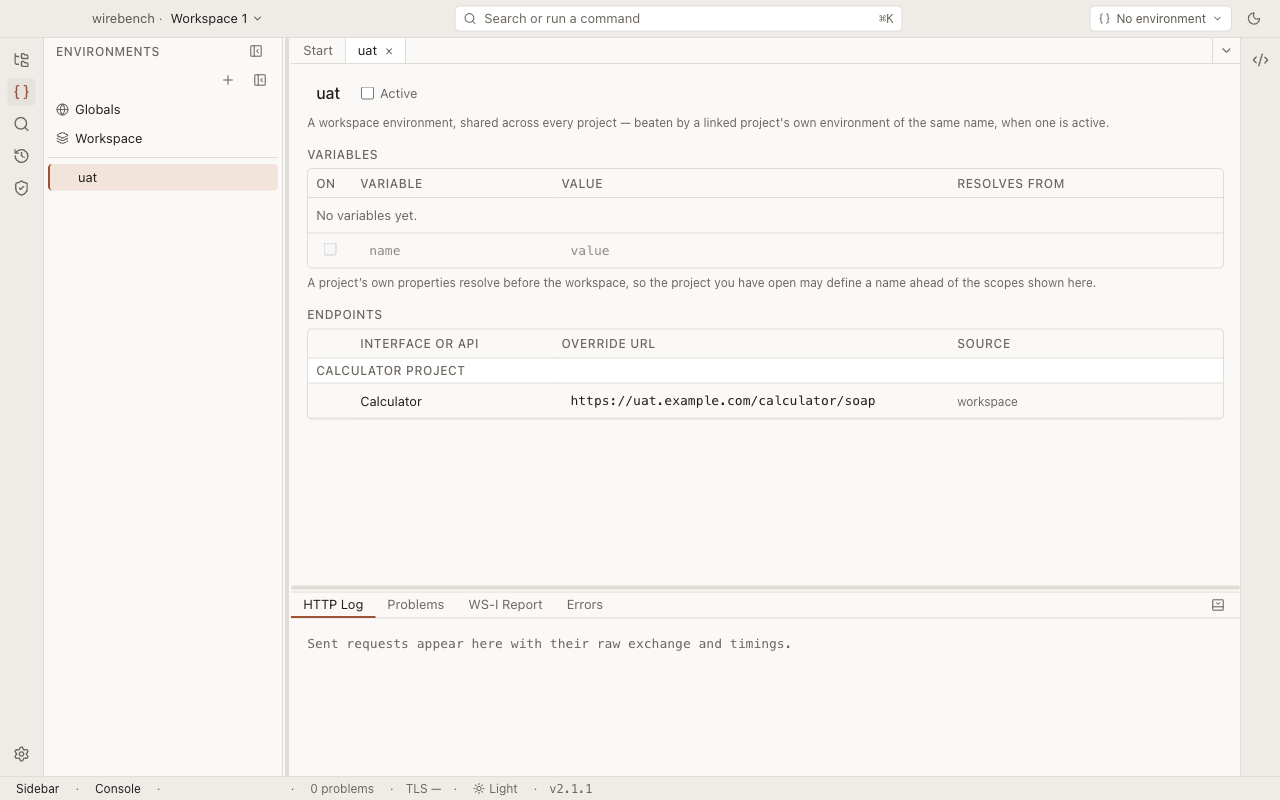
Set variables once, in a scope, and reference them with ${...} in URLs, headers, envelopes and bodies, so one request works against local, staging and production without edits. Send a SOAP or REST request to several environments at once and compare the responses against a baseline.
Authentication and secrets
Request auth attaches credentials to the HTTP request; WS-Security signs or encrypts parts of a SOAP envelope; client certificates prove your identity at the TLS layer. On managed machines, IT can lock the proxy, the CA bundle and update checks with a policy file.
Read the auth guideRead the secrets guideManaged preferences
Hosts and terminals
Describe the machines your APIs run on once, in groups, with the user, key and jump host inherited by every host below. Open an SSH terminal to any of them from the Hosts view, the command palette or quick-open. Credentials stay in the main process as secret references, and a new or changed host key needs your explicit click.
HTTP Log and history
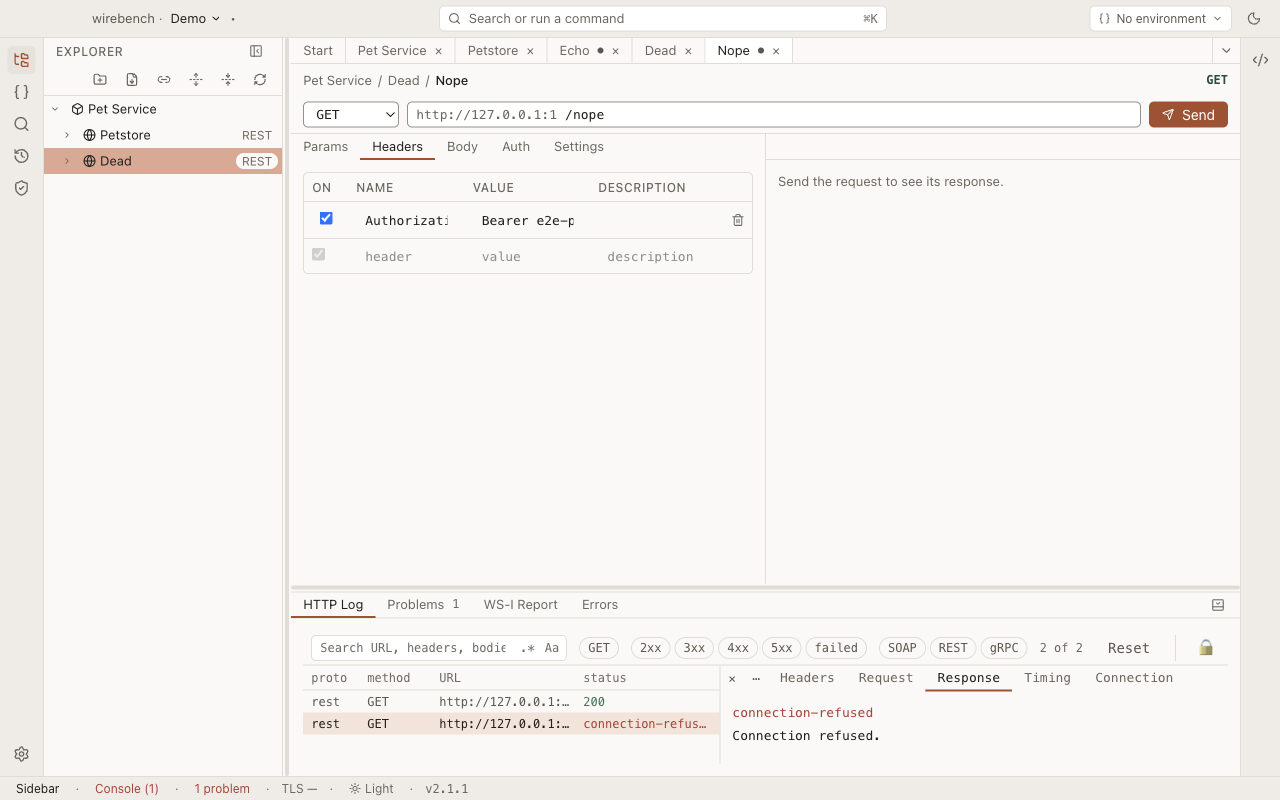
The HTTP Log is the raw record of what went over the wire this session, failed sends included, with a waterfall of timings, a compare of two rows and Export HAR. History is the persistent record: re-send an entry, or compare two runs. Any request copies as a curl, grpcurl or websocat command.
Read the HTTP Log guideRead the history guideCopy as a command
Request scripts
A SOAP, REST or gRPC request can have two scripts. The pre-request script runs just before the request is sent and can change it: add a header, sign the body, fill in a field. The post-response script checks the response with tests and keeps a value for later requests. Scripts are TypeScript, typed from the request's own contract, so a path that does not exist is an error before anything is sent.
Sequences
A sequence sends saved requests one after another. Each step can lift values out of its response, such as a token, an id or a cookie, for the steps after it, and check the response with assertions.
Mock services
A mock answers for a SOAP interface or a REST API from its own contract, before the real one exists or while it is down. It checks each request against the contract and answers with responses kept as files in the project, picked in order, at random, by match conditions or by a script, with scenarios that remember state.
Snapshot regression
Keep a known-good response beside a SOAP or REST request. Every send compares the new response with it by meaning, not byte for byte, and lists what changed.
Shared workspaces
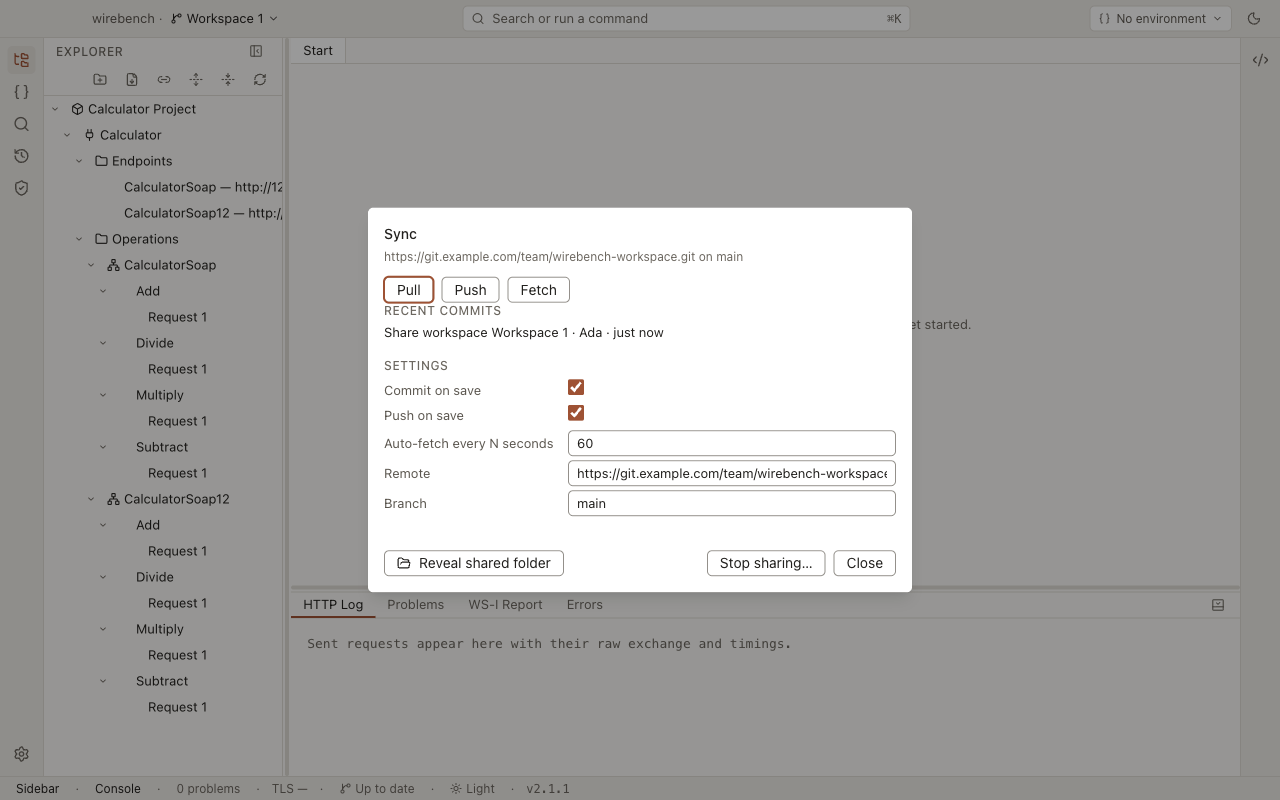
Share a workspace with a team. Members join by URL or by pointing at an existing folder, and every save becomes a commit so everyone converges on the same projects and environments. An automatic commit that would carry a possible secret in plain text is held until you review it.
Teams and Wirebench Server
Wirebench Server gives a team sign-in, teams, shared workspaces and live updates, on a machine you run. Team secrets share the values behind a workspace's secret references, encrypted for each approved machine.
Run Wirebench ServerEditions and licensesAudit logRead the shared workspaces guide
Webhooks
Webhooks work in both directions. A catch URL on your Wirebench Server records every request sent to it, with its method, path, headers and body exactly as they arrived. A webhook item plays a provider calling your own receiver, so you can build that handler without waiting for a real delivery. Items can sign what they send, catch URLs can check what they receive, and a callback assertion makes a sequence step or a CI run wait for the webhook its request causes.
Webhook inboxSending webhooksWebhook signaturesCallback assertions
CLI and agents
The wirebench command runs the requests saved in a project from a terminal or a pipeline and turns the result into an exit code and a report. It runs as a GitHub Action, a GitLab template, a container image or plain npx, all backed by the @wirebench/cli package. wirebench mcp serves a project to any MCP client.